Creating a Play-Along Video with Scrolling Music and a Live Video Recording
This was a challenging process to create a play-along video with a live recording and scrolling music. Read more to find out about the process.
Read More
Elementary Music Technology and Integration
Amy M. Burns has taught PreK-grade 4 general music for over 25 years at Far Hills Country Day School (FH) (https://www.fhcds.org/). She also teaches grade 5 instrumental class, directs the FH Modern Band, is the Performing Arts Department Manager, and teaches privately in the after-school conservatory, having served as director for over 20 years. She has authored four books and numerous articles on integrating technology into the elementary music classroom. She has presented many sessions on the topic, including four keynote addresses in TX, IN, St. Maarten, and AU. She is the recipient of the 2005 Technology in Music Education (TI:ME) Teacher of the Year, the 2016 New Jersey Music Educators Association (NJMEA) Master Music Teacher, the 2016 Governor’s Leader in Arts Education, the 2017 NJ Nonpublic School Teacher of the Year, and the 2026 NJMEA Distinguished Service Awards. Her most recent publication, Using Technology with Elementary Music Approaches (2020), is available from Oxford University Press (OUP) and Amazon. Burns is also the Community Coordinator for Midnight Music (MMC) at https://midnightmusic.com/, the General Music Chair for NJMEA Board of Directors, and the Elementary Music Consultant for MusicFirst (https://www.musicfirst.com/), a company built by music educators for music educators, dedicated to helping music teachers and their students make the most of technology in the classroom.
Looking for my YouTube Channel or the manipulatives for my Play-Along Videos? Click the social feed buttons below!

This was a challenging process to create a play-along video with a live recording and scrolling music. Read more to find out about the process.
Read MoreThis is the fourth installment of my summer project of creating play-along videos of songs and concepts found in the Kodály and Orff Schulwerk approaches. This week, I feature the Long-Legged Sailor Play-Along (Boomwhackers, Percussion, and Recorder) video. Like my resources? Please consider buying me a coffee at https://www.buymeacoffee.com/elmusedtech
Each video (found on my YouTube page) will be accompanied by lesson manipulatives.
Here are the resources and manipulatives:
Blog: http://amymburns.com/elmusedtech/2022/7/16/lls or https://buymeacoffee.com
All of the parts and the video are included in the manipulatives found here at https://buymeacoffee.com/elmusedtech/extras
Read MoreStill teaching? I like to end my year or begin a holiday break with my younger students playing music activities that reinforce musical skills like steady beat, piano and forte, sol-mi-la combinations, movements, and more. Here is an activity using Doggie Doggie. It involves the movement game, singing sol-mi-la combinations, and a simple orffestration/boomwhacker arrangement, all in one video.
Read MoreTwo years ago, I created a rhythm play-along and later added a body percussion activity. Due to the varying meters, rhythms, and tempos, I suggest trying it personally before using it in class. This rhythm play-along emphasizes gratitude with a fall theme, incorporating snippets from songs about thankfulness and appreciation.
Read More
Though this is not one of my popular rhythm play-along videos, I have to say that it is one of my favorite ones. This is a Halloween-inspired rhythm play-along video with all live, instrumental selections. Taking five familiar live instrumental selections played often around Halloween time, this is a medley rhythm play-along intended for older elementary and middle school music classes. This is one of many play-along videos for the fall. Click like and subscribe, check out other play-along videos, and if you like my resources, please consider donating me a cup of coffee at https://www.buymeacoffee.com/elmusedtech
Read More
In the States, as we approach the end of May and then the month of June, many schools are having graduation or “moving up” ceremonies. These time-honored traditions can include a graduation song that the students sing during the ceremony. These songs usually consist of a message of hope, growing up, or something else that is very positive. This does limit our choices for songs and many teachers ask for advice on what songs would work well. In this blog post, you will find a Wakelet of song choices and a rhythm play-along medley with five songs that my students have liked over the years for these ceremonies. Come back next week when the medley will include boomwhackers.
Like my resources? Please consider buying me a coffee at https://www.buymeacoffee.com/elmusedtech
Read MoreThis rhythm play-along medley consists of four popular songs for higher elementary moving up days. The rhythm patterns covered are syncopation, quarter, eighth, whole, dotted quarter, and sixteenth notes, as well as quarter rests.
Read More
Try it for 30 days: https://www.musicfirst.com/software/musicfirst-elementary
Have you checked out MusicFirst Elementary Powered by Charanga? Check it out here!
Read MoreMany elementary music educators are in the midst of summer break or holiday break, which means relaxing, taking time for themselves, spending time with families, and exploring some new materials and professional development for their return to the school year. I thought I would join in this by having a "Week of Tech Tips!” Check back daily with me this week as my YouTube channel and blog posts will reflect on tech tips for music educators.
Tech Tip Day 1: 🎥 Join Music Educator Amy Burns in a Fun 5-Minute Tour of the MusicFirst Elementary Kindergarten Curriculum! 🎶
Read More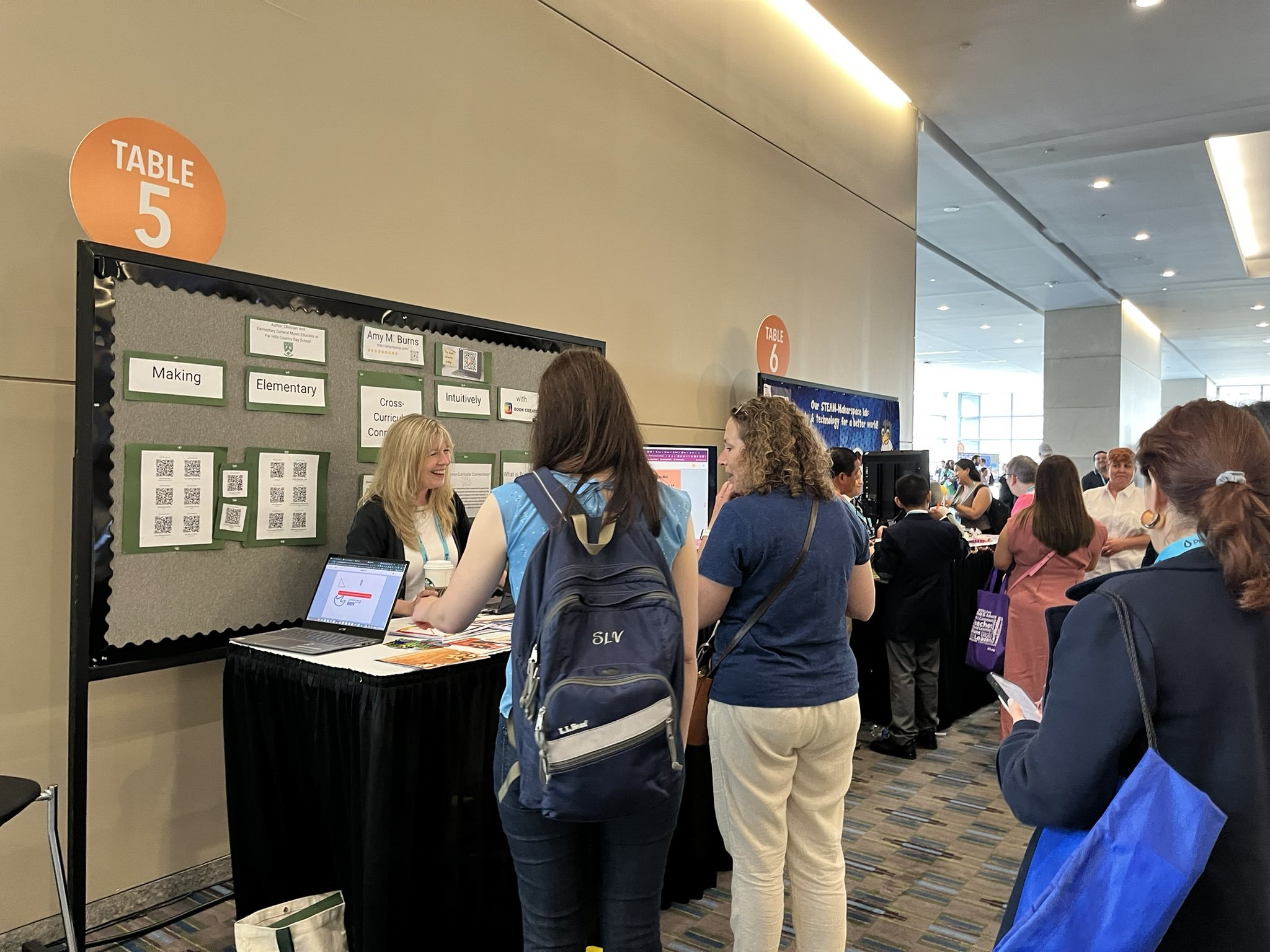
Last month, I was thrilled to be able to present at the ISTE Live23 Conference in Philadelphia, PA. I presented a poster session titled “Making Elementary Cross-Curricular Connections Intuitively With Book Creator”. It was a 90-minute session that explored the following:
“Elementary special subject areas like music, STEAM, and more have numerous cross-curricular connections. However, showcasing those connections to administrators and parents can be challenging. Book Creator gives educators ways to achieve cross-curricular connections and allows students to use multiple modalities to showcase their work.”
Check out the webinar and the blog post. Like my resources? Please consider buying me a coffee at https://www.buymeacoffee.com/elmusedtech.
Read More
This is another attempt at creating a play-along with floating notation and boomwhacker colors. This is a recording by The United States Army Field Band. Resources are included below along with a link to the original video. Like my resources? Please consider buying me a coffee at https://www.buymeacoffee.com/elmusedtech.
Read More
Earlier this week I shared the Rhythm Play-Along version of the medley including excerpts from female solo singers dating 1967-1990. They include Cyndi Lauper, Madonna, Dolly Parton, Aretha Franklin, and Whitney Houston. This week, I include the body percussion version and the manipulatives to complement both videos.
Like my resources? Please consider buying me a coffee at https://www.buymeacoffee.com/elmusedtech
Read More
The other day, a friend of mine asked how to create individual slides from a series of images. I knew how to do this in Keynote, but I was not sure how to accomplish this in Powerpoint or Google Slides. Turns out that all of the programs can do this. In this video, I will show how to do this with Google Slides and Keynote. There is also an additional video shared from YouTube showing how to do this in PowerPoint.
Like my resources? Please consider buying me a coffee at https://www.buymeacoffee.com/elmusedtech.
Read More
March Music Madness with a creative focus using Chrome Music Lab Song Maker. Read through the post or watch the YouTube video to see how to use or adapt this for an elementary music class across grade levels. Like my resources? Please consider buying me a coffee at https://www.buymeacoffee.com/elmusedtech
Read MoreThese are two tips that let you change a video so that it is mirrored. This is helpful for any movement videos or choreography videos where you need to mirror the teacher on the screen and they are using the terms left and right. Like my resources? Please consider buying me a coffee at https://www.buymeacoffee.com/elmusedtech Tools Used: https://www.mirrorthevideo.com/ https://clipchamp.com/en/
Read More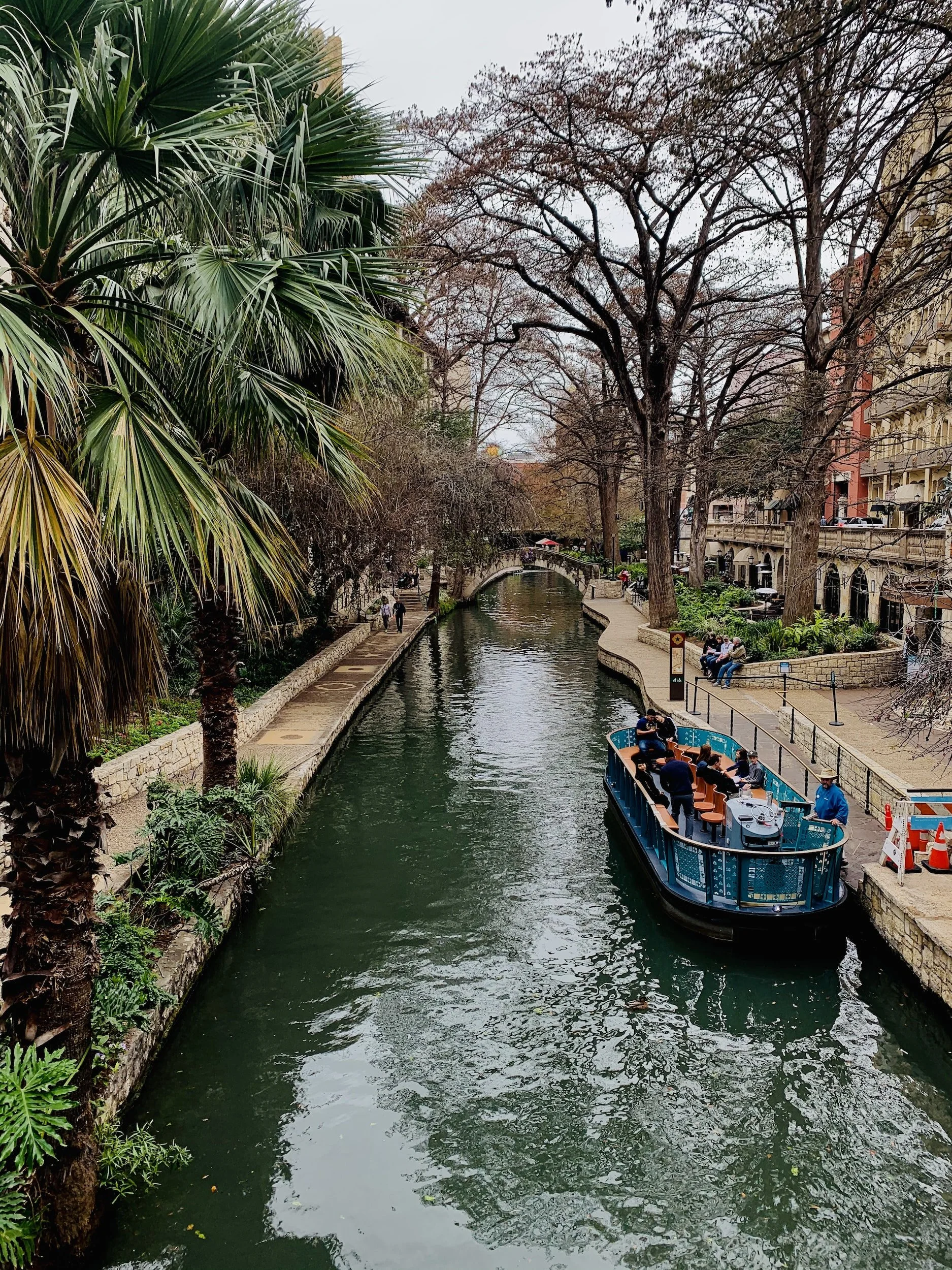
Another wonderful day at TMEA and TI:ME’s National Conference! Thursday is the official start of the TMEA Conference after TI:ME’s pre-conference day on Wednesday. Technology sessions continued and other sessions including elementary, middle school, band, chorus, orchestra, and more, were enjoyed by over 25,000 music educators.
Read More
Day 1 of TMEA: TI:ME National Music Technology/Education Conference. Click here to read about tow highlighted sessions from the day.
Read More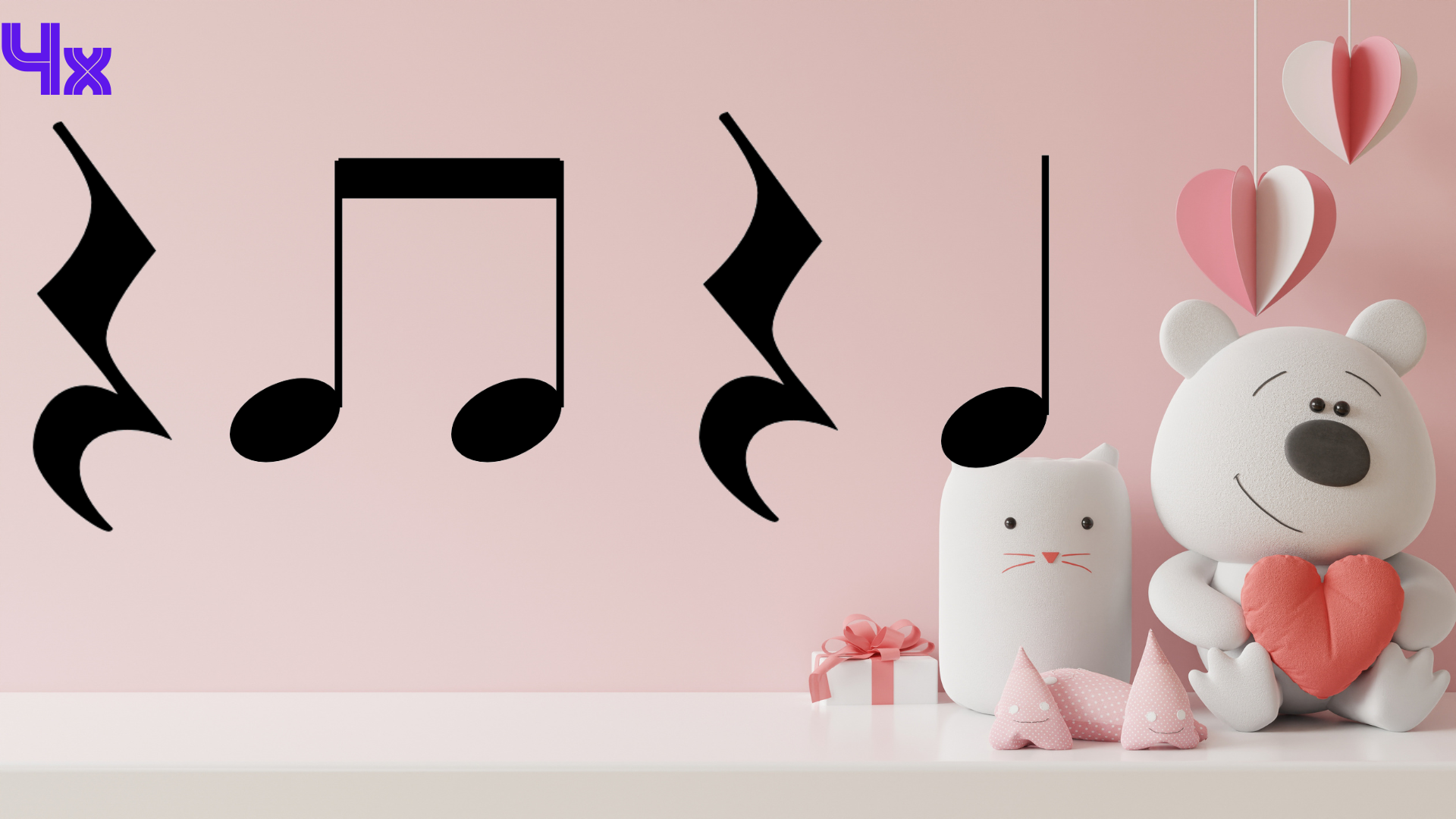
New! Valentine’s Rhythm Play-Along Video to That Thing You Do! Here is a fun, simple rhythm play-along video to the song, That Thing You Do, written by Adam Schlesinger. The song is performed by the fictional 1960s band The Wonders, who are the focus of the film with the same title. The song peaked at No. 41 on the Billboard Hot 100 and was nominated for an Academy Award and a Golden Globe Award for Best Original Song in 1997. The note values that are covered are quarter, eighth, and half notes, as well as quarter rests. It also includes a dance party in the middle of the song. This song will be featured in my TMEA/TI:ME session tomorrow where you can see how to create the video in two different ways using free tools! Have fun with this!
Read More
Credit: unsplash-image-N8MDgWvUW-8.jpg
Need a fun Valentine Medley Rhythm Play-Along with the teaching manipulatives? Check this out! If you enjoy my resources, please consider buying me a coffee at https://www.buymeacoffee.com/elmusedtech
Read More#2 The trick of adding - between the t and the u in the URL
This is a quick video for #2. And “oldie but goodie” tip.
This is a trick that sometimes works, but not all of the time. To make the YouTube video become full screen with no ads, no comments, and no videos that will play right after, take the YouTube video’s URL that you would like to show, add a - between the t and u, and refresh the screen.
There are a lot of other ways to do this. Another way is to load the YouTube video you would like to show, click on the share button, and click on embed. A large iframe code appears. Click copy and paste the iframe into a new tab. Look for where the https begins and the URL ends, usually with letters. Delete the other items so you have a URL in the tab. Click refresh and the video is now embedded onto the screen with no ads, comments, etc.
Read More