Are You Using This Canva Hack in Your Music Classroom Yet?
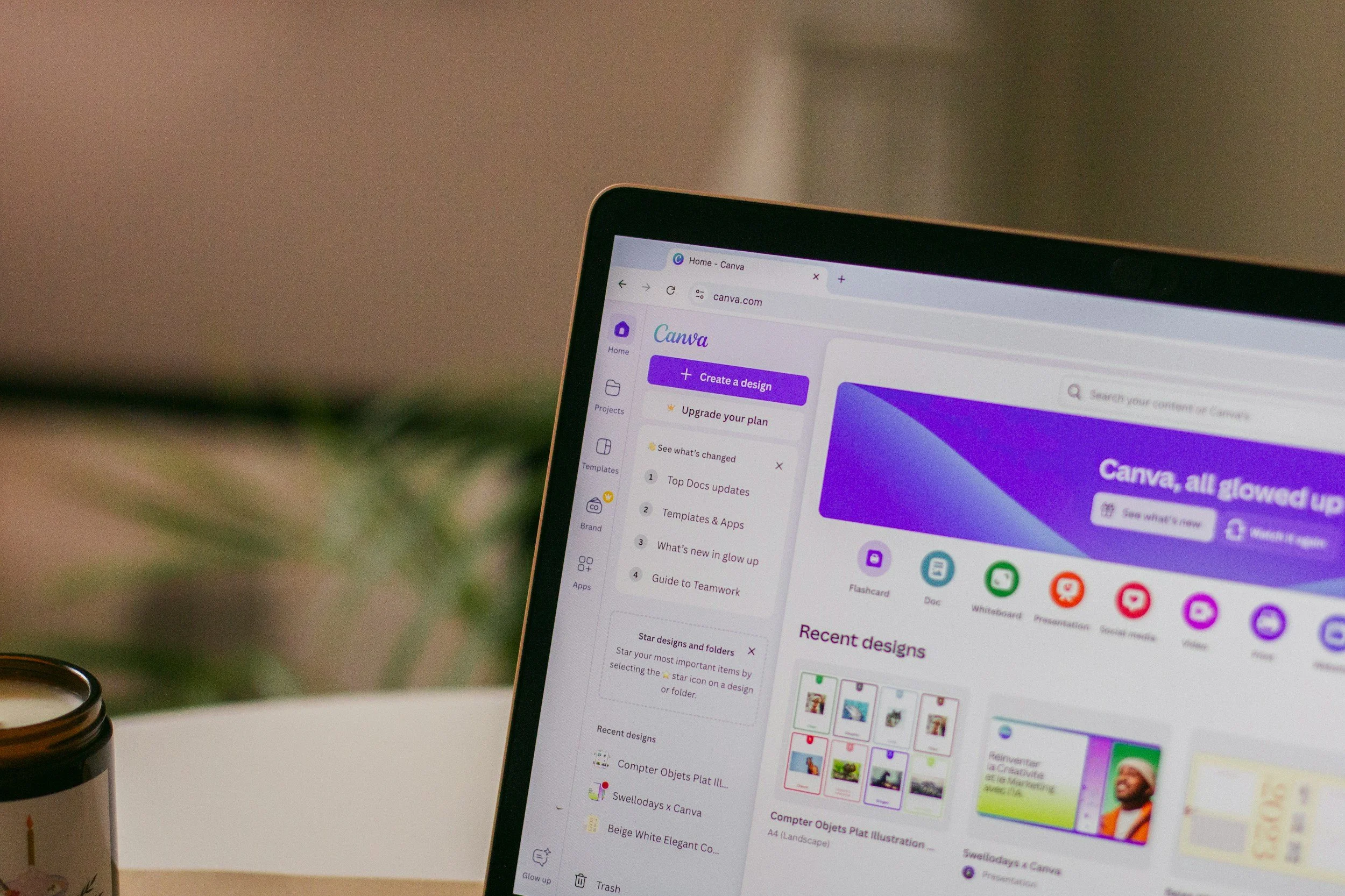
As elementary music teachers, we're always looking for ways to save time while creating engaging resources for our students. Canva has become one of my favorite tools because it allows me to quickly design worksheets, bulletin board materials, games, and assessments without needing advanced graphic design skills.
Recently, I stumbled upon a Canva feature that can make resource creation even faster: Canva's built-in worksheet templates.
Here is the video or read on. Don't forget to join me at the Elementary Music Summit on Tuesday, July 7, to learn about more Canva hacks for music teachers!
Start with a Worksheet Template
Instead of creating a worksheet from scratch, try searching for "Worksheet" in Canva's template library. You'll find hundreds of ready-made layouts that can easily be adapted for music class.
You can search for:
Music worksheets
Note naming activities
Rhythm practice pages
Music appreciation templates
Instrument identification activities
Music theory review sheets
Even if a worksheet wasn't originally designed for music, the layout can often be repurposed in just a few minutes.
Customize It for Your Students
Once you've selected a template, simply replace the existing content with your own music concepts.
Ideas include:
Steady beat practice
Rhythm decoding activities
Note value review
Treble clef note naming
Instrument families
Composer studies
Listening journals
Exit tickets
Because the design work is already done for you, you can focus on creating meaningful musical content instead of spending time formatting.
Print Directly from Canva
Another feature many teachers overlook is Canva's printing options (Share>See all>Use my printer) . Before sending resources to students, you can preview how your worksheet will look when printed and adjust settings such as:
Black-and-white printing
Page selection
Copy settings
Paper layouts
This helps ensure your worksheet looks exactly the way you intended before it reaches the copier.
Why This Matters
Elementary music teachers wear many hats. We teach, perform, assess, communicate with families, prepare concerts, often support school-wide events, and so much mroe. Any tool that saves time is worth exploring.
Using Canva worksheet templates allows you to:
Create professional-looking resources quickly
Customize materials for different grade levels
Differentiate activities for students
Build assessments in minutes
Spend less time formatting and more time teaching
Challenge for This Week
Open Canva and search for "Worksheet." Find one template that could work in your music classroom and modify it for an upcoming lesson. You may be surprised how quickly you can create a polished resource that students will love.
Sometimes the best technology tips aren't about learning a brand-new tool—they're about discovering a feature that's been there all along.
Join Me!
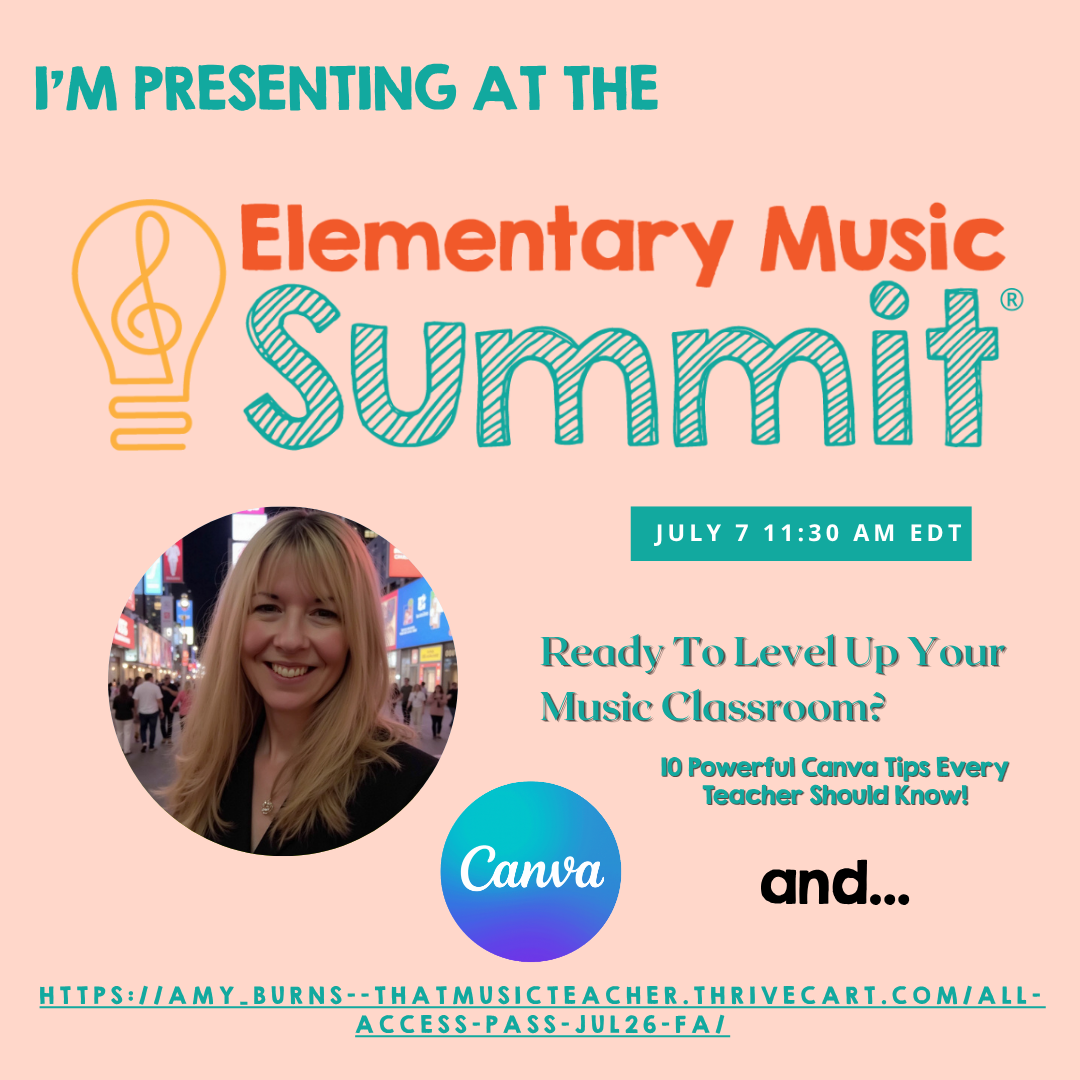
If you're looking for more practical ideas, technology tips, and ready-to-use activities for elementary music, be sure to grab your free ticket to the Online Elementary Music Summit. You'll learn from dozens of elementary music educators and walk away with ideas you can use immediately in your classroom.
Get your free ticket here:
https://amy-burns--thatmusicteacher.thrivecart.com/all-access-pass-jul26-fa/