Looking for a Simple Way to Improve Transitions?
Yesterday, I came across a post from Mrs. King’s Music Class where she shared music timers she uses in her classroom. It reminded me just how valuable timers can be in an elementary music setting. While timers may seem like a simple classroom tool, they can completely transform transitions, pacing, classroom management, and even student self-regulation.
In the elementary music classroom, every minute matters. Whether students are rotating through centers, setting up instruments, transitioning to movement activities, or simply taking a moment to reset emotionally, timers can provide the structure and predictability students need.
Why Use Music Timers?
1. Timers Help Centers Run Smoothly
If you use centers or stations in your music classroom, timers are incredibly helpful. Students quickly learn that when the timer ends, it’s time to rotate to the next activity. This creates independence and reduces the constant need for verbal reminders.
Instead of:
“You have one more minute!”
“Please clean up!”
“It’s time to switch!”
…the timer becomes the cue.
Students begin managing their own time and transitions more successfully.
2. Timers Make Cleanup Faster
Need students to put away barred instruments, rhythm instruments, boomwhackers, scarves, or recorders quickly and efficiently?
Set a timer.
Suddenly cleanup becomes a challenge, a game, or even part of the musical experience. Adding music to the timer can make the transition feel less stressful and more engaging.
3. Timers Help Students Refocus
Elementary music classrooms are full of energy, excitement, movement, and sound. Sometimes students simply need a moment to breathe and reset.
A calming timer with soft music can help students:
regulate emotions,
transition from recess or PE,
reset after an energetic activity,
or prepare for focused listening.
For some students, especially younger learners or neurodivergent learners, visual countdowns can sometimes reduce anxiety because they can clearly see how much time remains.
Places to Find Classroom Timers
There are many excellent timer tools already available online.
Interactive Whiteboards Often Include Timers
If you use an interactive whiteboard, check to see if it already has built-in timer tools. Many teachers don’t realize these features are available even if their school did not purchase the accompanying creative software.
For example, my classroom’s Promethean board includes timer options that are simple and effective for daily classroom use.
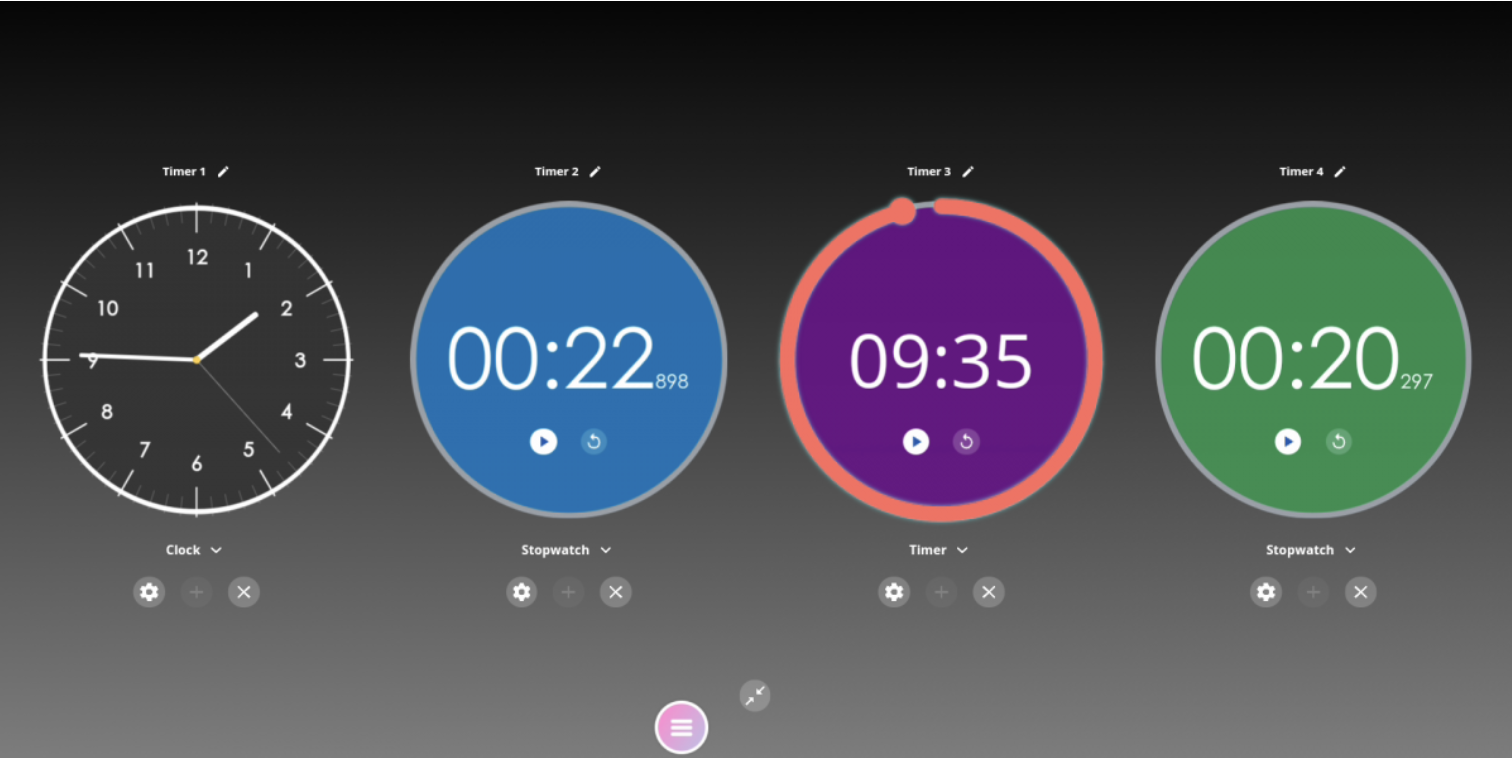
Image: https://support.prometheanworld.com/s/article/1729?language=en_US
Canva Includes a Built-In Timer
Canva for Education also includes timer features that can be added directly into presentations and classroom visuals. This makes it easy to create timers that match your classroom themes, colors, or lesson activities.
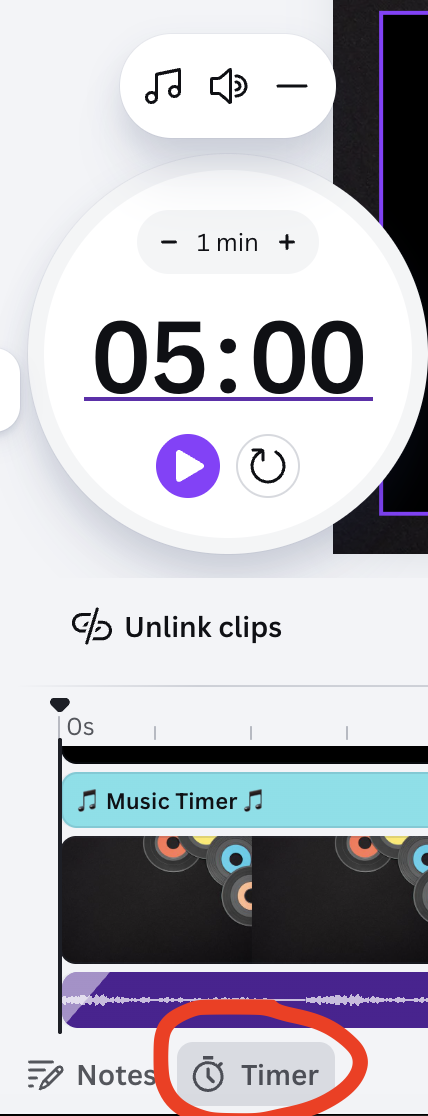
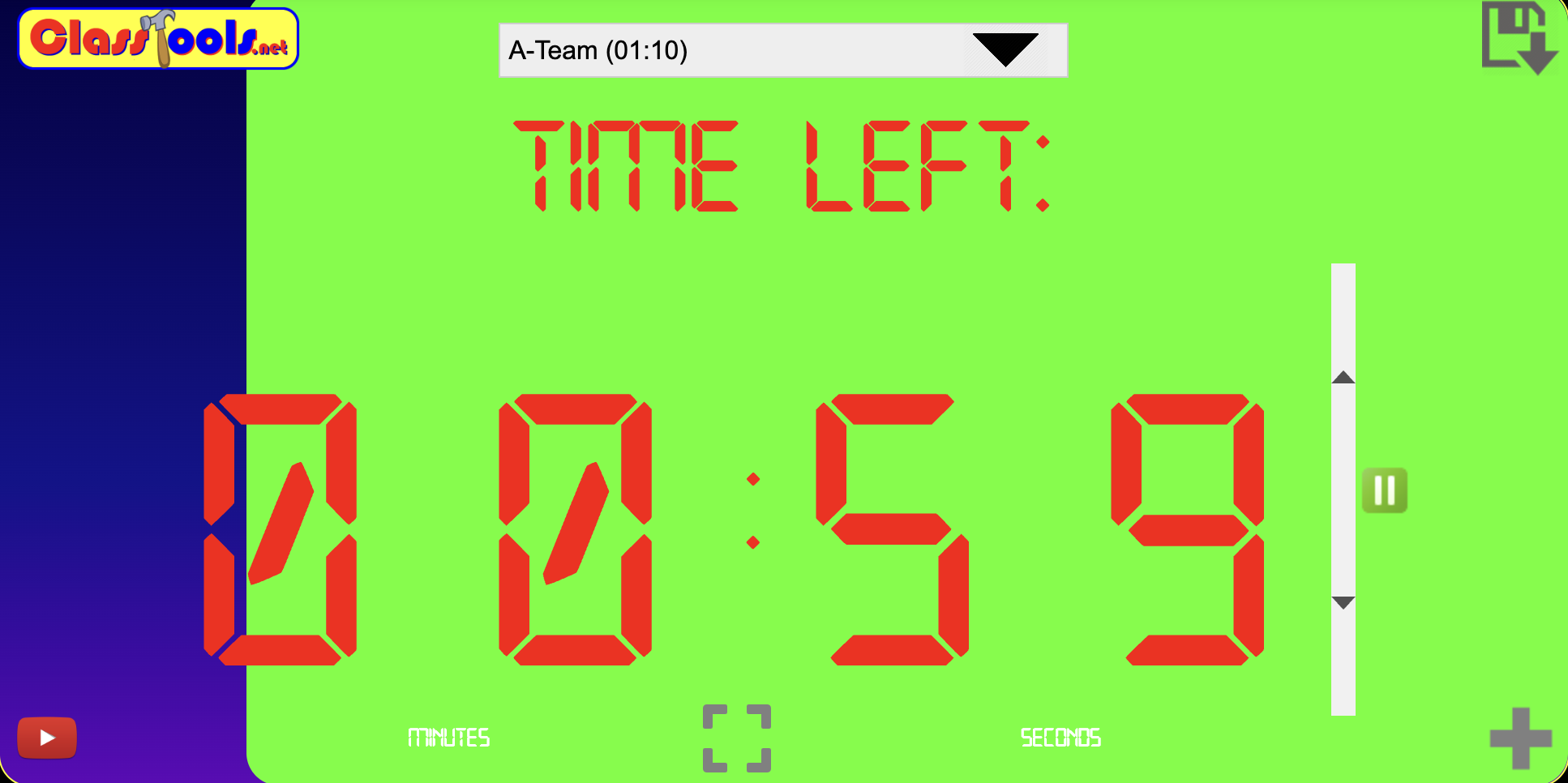
Yes, that's the A-Team music chosen!
YouTube Timer Videos
YouTube also has countless timer videos available. You can find:
calming timers,
disco timers,
instrumental music timers,
countdowns with visuals,
and timers designed specifically for classrooms.
The challenge, however, is finding timers that truly match your classroom style, pacing, and musical goals.
Why I Started Creating My Own Music Timers
While there are many premade options online, I found myself wanting timers that felt more personalized for my classroom.
I wanted:
specific countdown lengths,
musical backgrounds my students would enjoy,
visuals that fit my teaching style,
and timers connected directly to music activities.
So, I began creating my own customized classroom music timers using Canva and embedding music through Canva's audio and YouTube Audio.
Below, I’m sharing:
10-minute music timers
5-minute timers
3-minute timers
2-minute timers
1-minute timers
and 30-second timers
—all designed with musical backgrounds and classroom-friendly visuals.
Coming Tuesday…
On Tuesday, I’ll share:
how I created these timers in Canva,
tips for customizing your own timers,
and a tutorial video available for purchase if you’d like a step-by-step walkthrough.
Creating your own timers takes a little time upfront, but once they are made, they become reusable classroom tools that can support transitions, organization, engagement, and classroom management all year long.
Sometimes the smallest classroom tools end up making the biggest difference.