Is MusicFirst Elementary a 1:1 Curriculum? The Answer Might Surprise Music Teachers
One of the most common questions music educators ask when exploring MusicFirst Elementary is:
“Is this a 1:1 curriculum?”
The short answer is no — and that’s actually one of its many strengths.
MusicFirst Elementary was designed to be a flexible music curriculum that works in a variety of classroom technology environments. Whether you have one device, center rotations, or a full 1:1 setup, the lessons and creative tools can adapt to your teaching style.
Let’s take a closer look at what that flexibility can look like in the elementary music classroom.
Using MusicFirst Elementary with One Device
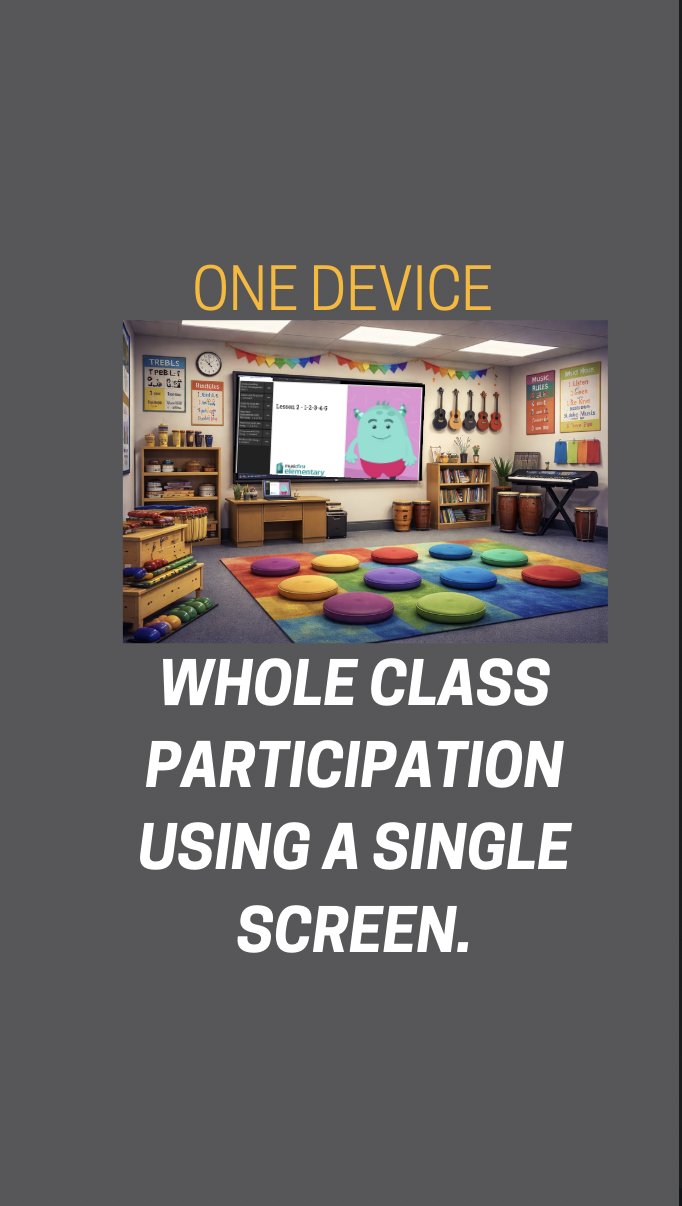
Many elementary music rooms have one teacher's computer connected to a projector or interactive board. MusicFirst Elementary works beautifully in this setting.
Teachers can:
Display activities for the entire class
Model musical concepts together
Guide listening, movement, and analysis activities
Demonstrate creative tools before students try them
Display songs to sing and perform
In this setup, the curriculum supports whole-group instruction while still allowing students to participate through movement, instruments, singing, and discussion.
This approach keeps the focus on musical learning rather than screen time, while still integrating technology meaningfully.
Using MusicFirst Elementary as a Center Activity
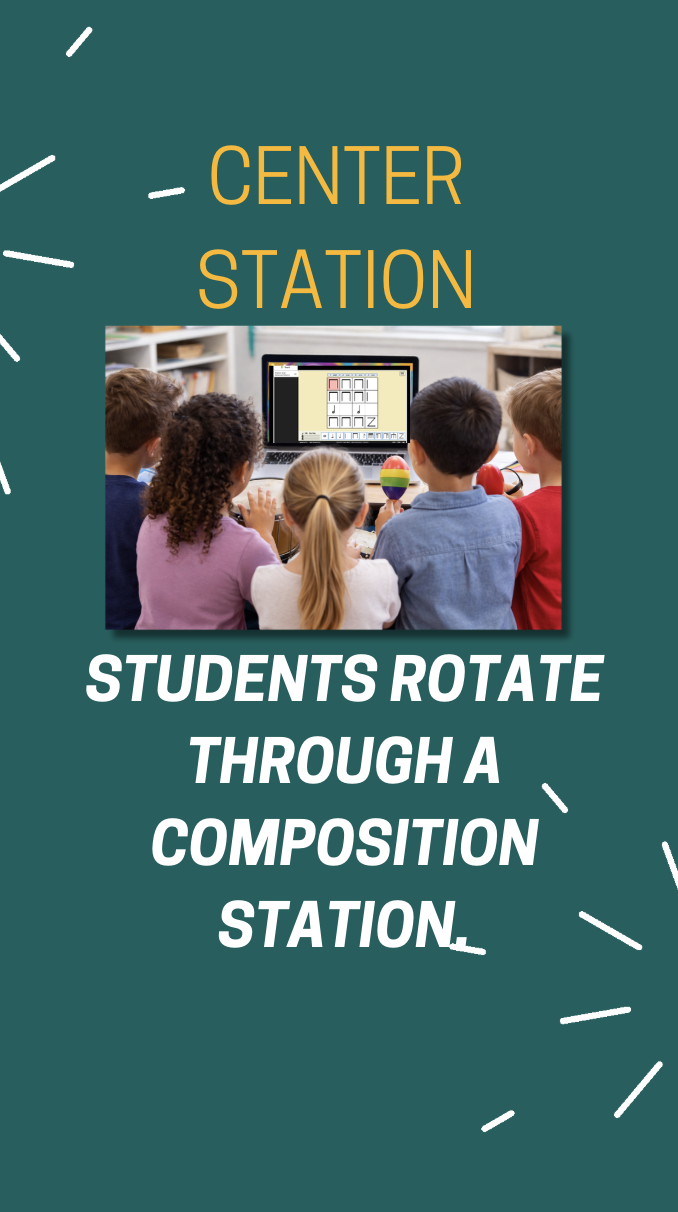
Another popular option is using MusicFirst Elementary as a technology station or center.
During center rotations, students can:
Explore interactive music activities
Reinforce rhythmic and melodic concepts
Work collaboratively in small groups
Engage with creative music tools
Perform Boomwhacker/recorder/ukulele play-alongs
Decode melodies and rhythm patterns
For example, while one group is working with barred instruments, another group might rotate to the MusicFirst Elementary center to complete an interactive activity related to the same musical concept.
This model works especially well for differentiation and blended learning, allowing students to practice skills at their own pace.
Using MusicFirst Elementary in a 1:1 Environment
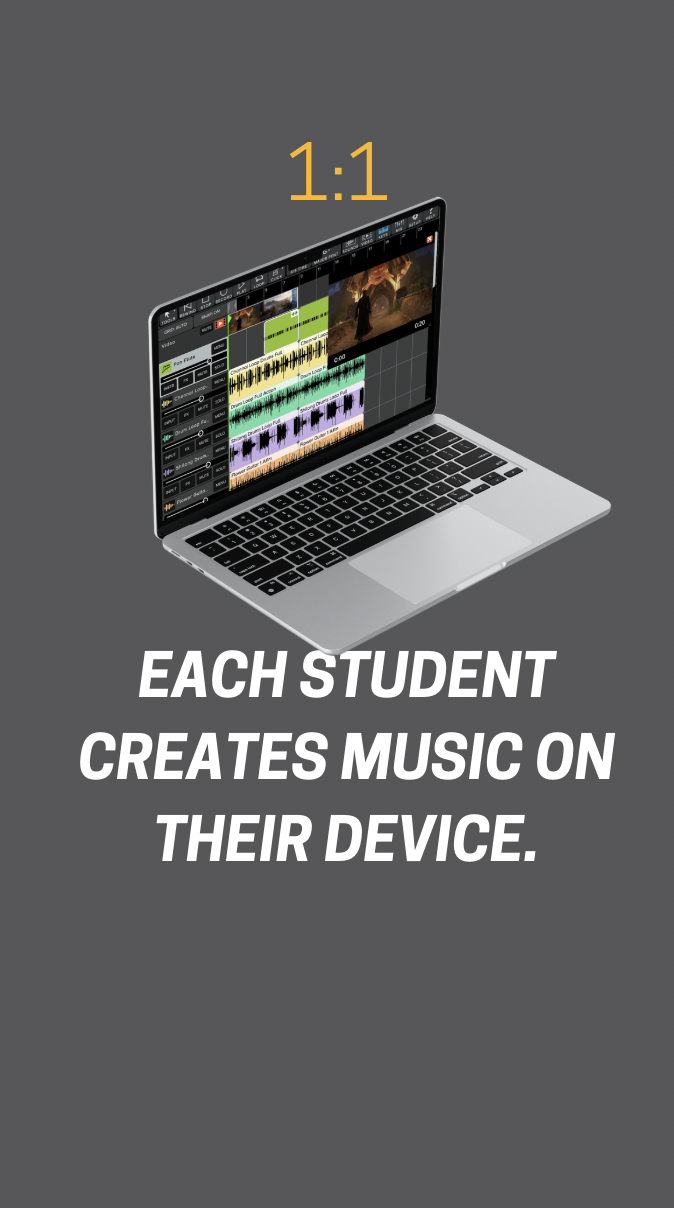
In classrooms where students have individual devices, MusicFirst Elementary offers even more possibilities.
Students can:
Work independently on music activities
Create their own musical ideas using creative tools
Explore musical concepts through guided lessons
Complete projects or extensions related to classroom learning
Podcast about their favorite composer or performer
Score movies!
Teachers can use this setup for practice, reinforcement, or creative exploration, while still guiding the learning process.
The Key Takeaway: It Works in Any Classroom
Technology access varies widely from school to school, and MusicFirst Elementary was designed with that reality in mind.
You can successfully use the curriculum with:
One device and a projector
Small group center rotations
1:1 student devices
MusicFirst Elementary allows you to decide how technology fits into your teaching, rather than forcing your classroom to fit a specific technology model.
🎥 Watch the short video explaining this FAQ here:
Learn More
You can explore MusicFirst Elementary and its creative tools here:
https://www.musicfirst.com/elementary/