Popular Tech Tip Posts from the Fall
Still sneaking Halloween candy while your mind jumps ahead to concert season? Me too! 😂 As I munch on another piece and giggle at the “Mariah Carey has defrosted” memes (I love making those!), I’m starting to think about everything ahead in the elementary music room.
With concerts, musicals, and holiday performances on the horizon, today feels like a good time to revisit some of my favorite tech tips from this fall. From preparing materials to getting ready for the stage, these ideas could help save you a little time during a very full season.
Grab a piece of leftover candy, and let’s find a few ways to make the rest of 2026 a little easier!
Canva or Google Slides for Elementary Music? What I Use in 2026

Last year, I wrote a post titled, "Elementary Music Class: Canva vs. Google Slides" and when I revisited it this week, I looked for the updates that occurred in the past year. Check out this post to see what still holds true, what no longer exists, and what has been updated to improve our workflow. Please note that I am focusing on the presentation and creative tools of each.
Tech Tip: Before you read this...I always suggest checking with your school's IT and asking them what they support. If you have a Google-driven school, then they might not be able to assist you with Canva because their expertise would be with Google Slides.
Creating the Ostinato Slide in Canva
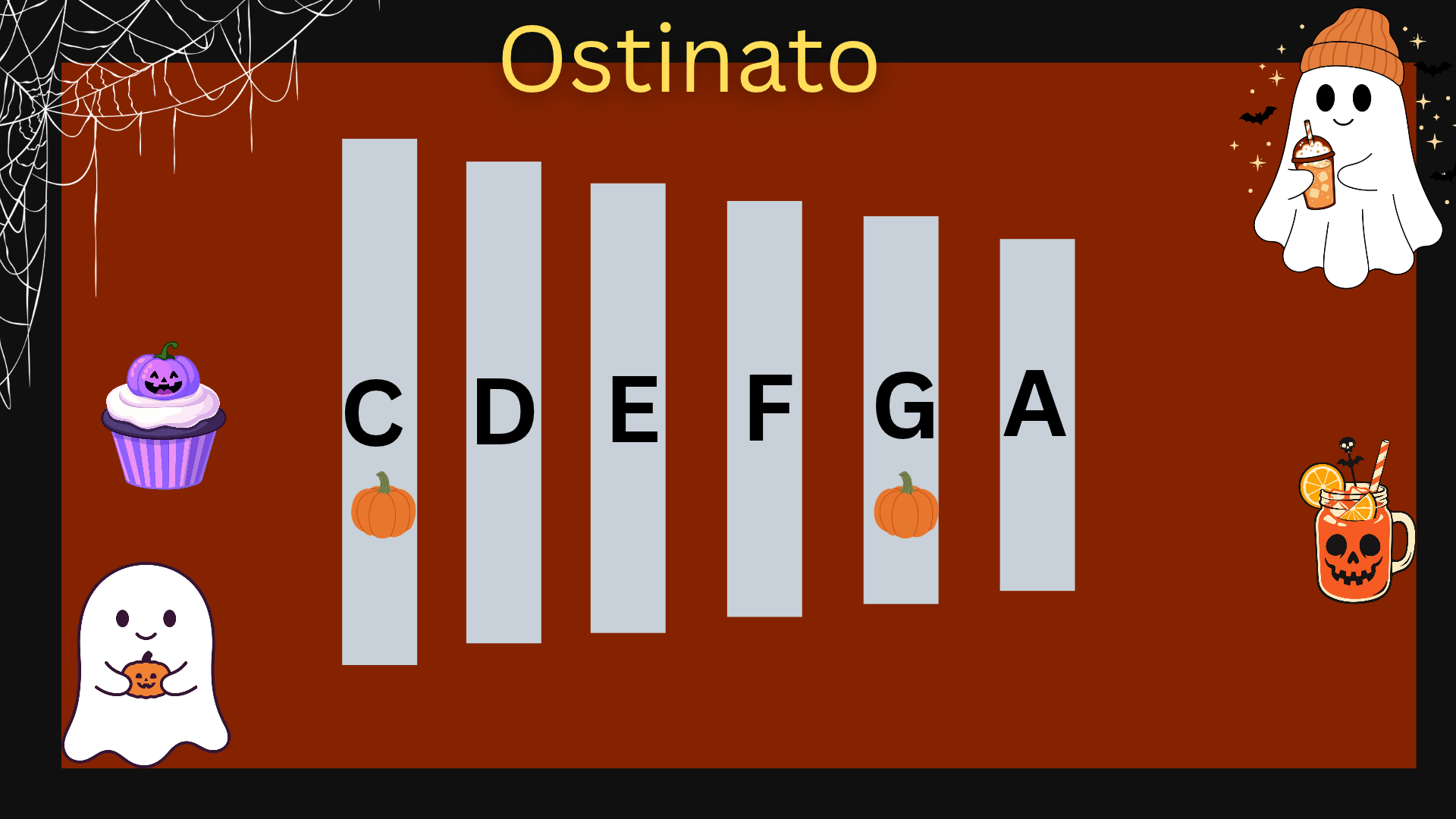
Want to make an ostinato slide for your elementary music classes? I’ve recorded a Canva walkthrough so you can follow along and create your own!
Today, a teacher in the Facebook Elementary Music Teachers Group shared a great ostinato slide made in Canva. When several teachers asked for a how-to video, I thought my Buy Me a Coffee followers might enjoy a tutorial, too!
Make Your Canva Music Slides Play! 🎶
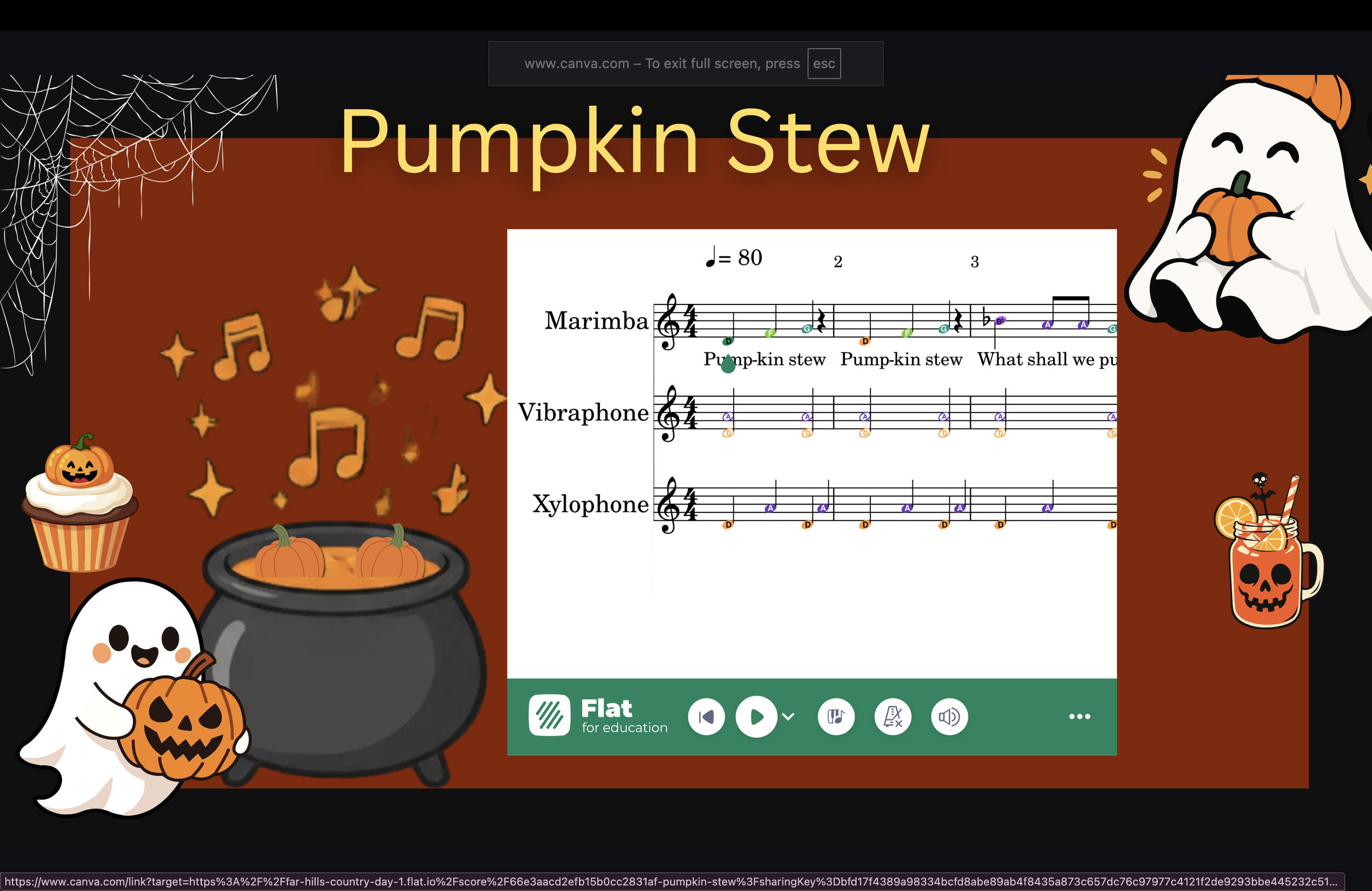
Your Orffestration is on the screen. You’re ready to teach. Wouldn’t it be great to press play without leaving your Canva slide?
This is one of my favorite Canva tricks for elementary music teachers!
I love creating manipulatives in Canva, especially interactive ones. A few years ago, I discovered that I could add a score from Flat EDU to a Canva presentation—and play it right inside the slide!
Think about the possibilities: display an Orff arrangement, listen together, and then have your students join in on their instruments. Everything is right there in your presentation.
Found a tip you’d like to try? Click the links above to revisit the posts and watch step-by-step tutorial videos to help you get started in your music classroom.
Looking for more ways to bring technology into your music lessons?
Check out my book, Using Technology with Elementary Music Approaches, for practical ideas that connect technology with the ways you already teach music!